How Can You Extend WiFi to Your Garden?
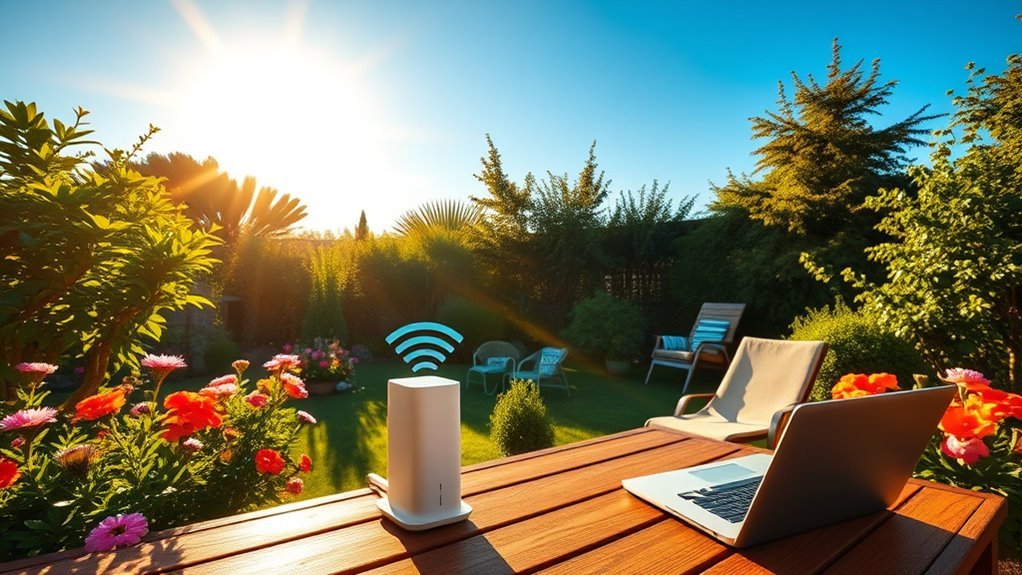
You can extend WiFi to your garden by placing your router centrally and elevating it to reduce obstacles. Using weatherproof range extenders or a mesh WiFi system with nodes near your outdoor space ensures seamless coverage. Outdoor access points and powerline adapters also provide reliable connections by overcoming interference from plants and walls.
Choosing the right equipment and positioning it well guarantees strong signals outside. Keep exploring to discover the best setups and troubleshooting tips for your garden WiFi.
Why WiFi Signals Drop in Your Garden
Although your WiFi router works well indoors, you’ll notice the signal weakens once you step into your garden. This happens because WiFi signals are radio waves that struggle to pass through solid objects like walls, windows, and doors.
The further you move from the router, the weaker the signal becomes, especially outside where there are fewer surfaces to reflect and bounce the waves.
Additionally, trees, plants, and outdoor furniture can absorb or block these signals, reducing their strength. Weather conditions, like rain or heavy wind, can also interfere with signal transmission.
Understanding these obstacles helps you see why your garden’s WiFi connection isn’t as strong as inside your home, and why simply relying on your indoor router isn’t enough to cover outdoor spaces effectively.
Router Placement Tips for Better Garden WiFi

To get strong WiFi in your garden, place your router at an ideal height—usually around eye level.
Keep it centralized in your home to cover the outdoor area evenly.
Also, clear away physical obstructions like walls and large furniture that can block the signal.
Optimal Router Height
When you place your router at the right height, you’ll notice a stronger and more consistent WiFi signal throughout your garden. Aim to position your router about 5 to 7 feet off the ground, ideally on a shelf or mounted on a wall.
This height reduces interference from furniture, appliances, and walls, allowing signals to travel more freely.
Avoid placing the router too low, as the signal can be blocked by plants and garden structures. Also, steer clear of putting it near the floor where moisture and dirt could affect performance.
By elevating your router, you maximize line-of-sight coverage and minimize obstacles, giving you reliable WiFi even when you’re relaxing outdoors.
Small adjustments in height can make a big difference.
Centralized Router Positioning
Since WiFi signals weaken as they travel, placing your router centrally in your home or garden is key to achieving even coverage outdoors. When your router sits near the middle, the signal has less distance to cover, reducing dead spots.
Aim for a location that balances coverage between indoor and garden areas. Avoid pushing the router into corners or against exterior walls, as this limits signal reach.
| Placement Tip | Benefit | Consideration |
|---|---|---|
| Center of house | Even outdoor coverage | Ensure open space |
| Elevated spot | Better signal spread | Avoid interference |
| Away from thick walls | Stronger garden signal | May limit indoor range |
This simple strategy helps you maximize your garden’s WiFi strength without extra equipment.
Minimize Physical Obstructions
Although placing your router centrally is important, minimizing physical obstructions between the router and your garden is just as crucial. Walls, furniture, and appliances can weaken WiFi signals, so try to position your router where fewer barriers exist. Avoid placing it behind thick walls or inside cabinets.
Glass and metal objects also interfere with signal strength, so keep your router away from mirrors, metal shelves, or large appliances. If you notice weak signals in certain garden areas, check for obstructions along the signal path.
Trim dense foliage or move outdoor furniture that might block the WiFi. By reducing physical barriers, you’ll guarantee a stronger, more reliable connection throughout your garden, making your outdoor WiFi experience smoother and more enjoyable.
How to Use WiFi Range Extenders Outdoors
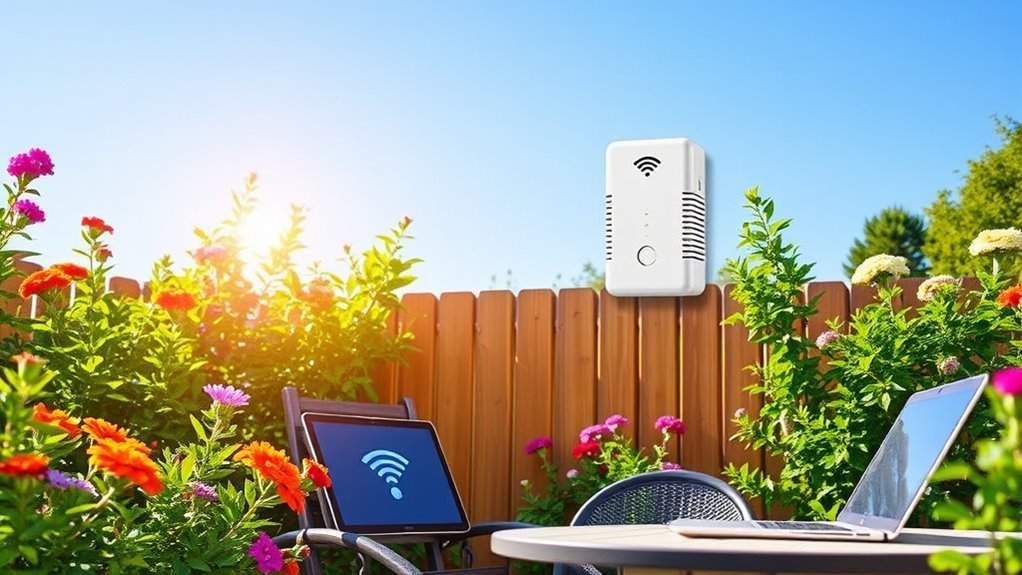
To extend your WiFi outdoors, you’ll need weatherproof range extenders designed to handle the elements.
Make sure you place them where they can catch a strong signal from your router while covering your garden area effectively.
Proper positioning will boost your connection without unnecessary interference or signal loss.
Choosing Weatherproof Extenders
When you want to extend your WiFi outdoors, choosing a weatherproof extender is essential to guarantee reliable performance. These devices resist rain, dust, and temperature changes, ensuring consistent connectivity in your garden.
Look for models with IP ratings like IP65 or higher for solid protection. Also, consider power options—some plug into outdoor outlets, while others run on batteries or PoE (Power over Ethernet).
| Feature | Importance | What to Look For |
|---|---|---|
| Weatherproof | High | IP65+ rating, sealed ports |
| Power Source | Moderate | Outdoor plug, battery, PoE |
| Signal Range | High | Matches garden size |
Optimal Placement Tips
Choosing a weatherproof extender sets the foundation, but placing it correctly maximizes your outdoor WiFi coverage. Position your extender within a strong signal range from your indoor router—usually halfway between your house and garden’s farthest point.
Avoid obstructions like thick walls, metal fences, or dense foliage that can weaken the signal.
Elevate the extender if possible; mounting it on a pole or wall improves line-of-sight and reduces interference. Keep it away from electronic devices that emit wireless signals to prevent congestion.
Test different spots by checking signal strength with your phone or laptop before final installation.
Setting Up a Mesh WiFi System for Garden Coverage
Although your garden may feel far from your home’s main router, you can easily extend your WiFi signal by setting up a mesh WiFi system. These systems use multiple nodes placed strategically around your home and garden, creating a seamless network that blankets the area with strong coverage.
Start by positioning the main node near your router, then place additional nodes closer to your garden, ensuring they’re within range of each other for a stable connection.
Mesh systems automatically manage connections, so your devices switch to the strongest signal without interruption.
This setup eliminates dead zones and keeps speeds consistent, even outdoors. With just a few nodes, you’ll enjoy reliable, fast WiFi across your garden without complicated wiring or frequent manual adjustments.
Boosting Your Garden Wifi With Outdoor Access Points
To boost your garden WiFi beyond what a mesh system can offer, you’ll want to install outdoor access points designed to withstand the elements. These devices provide stronger, more reliable signals across larger outdoor spaces by being weather-resistant and built for open-air use.
Position your access points strategically—ideally mounted high on walls or poles—to avoid obstructions and maximize coverage.
Mount access points high on walls or poles to reduce obstructions and extend your WiFi coverage effectively.
Connect them to your router via Ethernet cables for stable performance, and configure their settings to minimize interference with indoor WiFi networks.
Outdoor access points often support multiple devices simultaneously, ensuring your garden stays connected whether you’re gardening, relaxing, or hosting.
Using Powerline Adapters to Extend WiFi Outdoors
If running Ethernet cables to your garden feels like too much work, powerline adapters offer a simple alternative to extend your WiFi outdoors. These devices use your home’s electrical wiring to transmit internet signals, avoiding the hassle of laying new cables.
To get started, you’ll need:
- A pair of powerline adapters compatible with your router.
- Plug one adapter into a power outlet near your router and connect it via Ethernet.
- Plug the second adapter in an outdoor or garden-adjacent outlet.
- Connect a WiFi access point or use a powerline adapter with built-in WiFi outdoors.
This setup delivers a reliable connection without complex installation, making it a practical choice for expanding your garden’s WiFi coverage.
Choosing the Best Outdoor WiFi Equipment for Your Garden
When selecting outdoor WiFi equipment for your garden, you want devices built to withstand weather and deliver strong, consistent signals. Look for access points or routers with a high IP rating, ensuring they’re resistant to rain, dust, and temperature changes.
Choose models designed specifically for outdoor use, as indoor devices won’t last long outside.
Consider equipment with dual-band capabilities (2.4 GHz and 5 GHz) to balance range and speed.
Mounting options matter too; pick gear that can be securely placed on walls or poles for *best* coverage.
Also, check for features like adjustable antennas and easy setup via apps.
Investing in quality outdoor WiFi gear will keep your garden connected without interruptions, making your outdoor space more enjoyable and productive.
Troubleshooting Common Garden WiFi Problems
Although outdoor WiFi equipment is designed for durability, you might still face connectivity issues in your garden. To troubleshoot effectively, start by checking these common problems:
- Signal Interference: Nearby trees, walls, or electronic devices can weaken your signal. Try repositioning your router or access point for better coverage.
- Power Issues: Ensure your outdoor devices have a stable power source. Fluctuations or outages can disrupt connectivity.
- Firmware Updates: Outdated firmware can cause performance problems. Regularly update your equipment to the latest version.
- Weather Damage: Rain, wind, or extreme temperatures might affect your hardware. Inspect for physical damage and replace if necessary.
Frequently Asked Questions
Can Plants or Garden Furniture Interfere With Wifi Signals?
Yes, plants and garden furniture can interfere with WiFi signals because they absorb or block the waves. You’ll notice weaker connections if thick foliage or metal furniture sits between your router and devices outdoors.
This happens because materials like leaves and metal disrupt the path of the wireless signals, reducing their strength. As a result, your internet connection may become slower or less reliable when obstacles are present.
Is It Safe to Use Wifi Extenders During Rain?
Oh, sure, just toss your WiFi extender in the rain and hope for the best! Actually, you shouldn’t; most aren’t waterproof.
Use weatherproof models or protective covers to keep your connection—and device—dry and safe during storms.
How Does Wifi Affect Outdoor Security Cameras?
WiFi affects outdoor security cameras by enabling real-time video streaming and remote access, but weak signals can cause lag or disconnections.
You’ll want a strong, stable connection to guarantee your cameras work reliably and capture everything clearly.
Can Solar-Powered Wifi Devices Work in the Garden?
Yes, you can use solar-powered WiFi devices in your garden; they harness sunlight, operate wirelessly, and reduce energy costs. Just make certain they get enough sun, position them wisely, and maintain them regularly for peak performance.
What Are the Environmental Impacts of Outdoor Wifi Equipment?
You’ll find outdoor WiFi equipment can increase energy use and contribute to electronic waste. Plus, some devices emit low-level radiation, which might affect local wildlife.
Choosing energy-efficient, eco-friendly gear helps minimize these environmental impacts.
Conclusion
Don’t worry if you think extending WiFi to your garden sounds complicated or expensive. With simple steps like repositioning your router, using affordable range extenders, or setting up a mesh system, you can enjoy strong, reliable coverage outdoors.
Outdoor access points and powerline adapters offer even more options, tailored to your space and budget. These solutions help overcome obstacles like distance and interference, ensuring your garden stays connected.
By choosing the right equipment and troubleshooting common issues, you’ll have seamless WiFi in your garden in no time. Extending WiFi to your garden is easier than you think with the right tools and approach.