How Can I Get WiFi in the Garden Step by Step?
To get WiFi in your garden, start by testing signal strength outdoors and mapping weak spots. Understanding your garden’s layout and signal coverage is essential for effective WiFi extension. This initial step helps identify where improvements are needed.
Then choose the right equipment—extenders work for small areas, mesh systems suit bigger gardens, and access points offer high-speed reliability. Install devices high and weatherproofed, aiming antennas toward your garden. Proper placement ensures better coverage and protection from the elements.
Optimize settings by selecting clear channels and boosting transmit power. Finally, troubleshoot any interference or placement issues. Keep going if you want to discover how to maximize your garden’s WiFi performance.
Assess Your Current WiFi Reach and Garden Layout
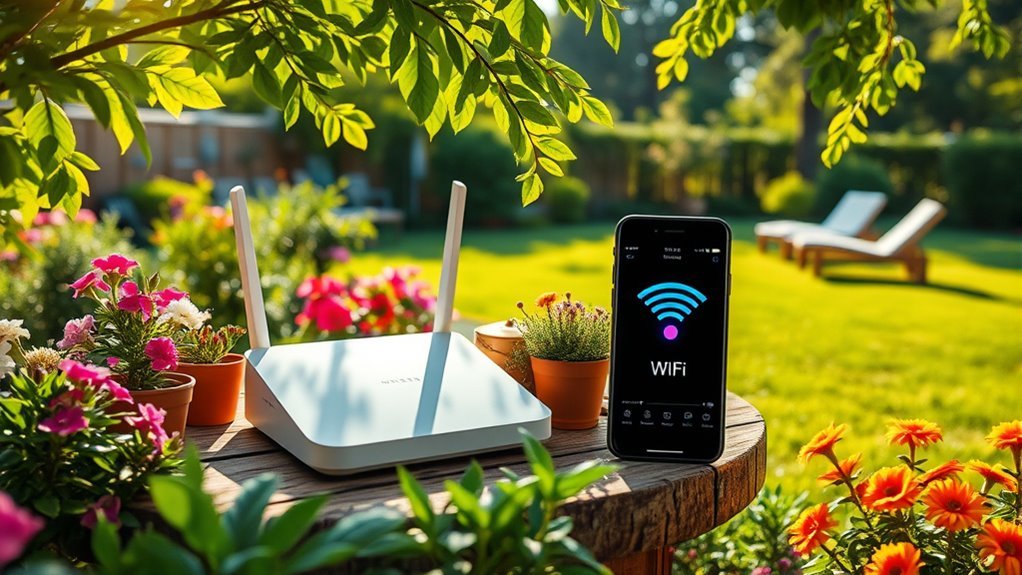
Before you extend your WiFi to the garden, you need to understand how far your current signal reaches and the layout of your outdoor space. Start by testing your WiFi signal strength at various points outside using a smartphone or laptop.
Begin by measuring your WiFi signal outdoors to understand its reach before extending coverage to your garden.
Walk around your garden, noting where the signal remains strong and where it weakens or drops entirely.
Pay attention to obstacles like walls, trees, or garden sheds, as they can block or reduce the signal. Also, measure the distance from your router to the farthest areas you want coverage.
Sketch a simple map marking signal strengths and physical barriers.
This assessment helps you identify dead zones and plan the best spots for boosting your network, ensuring reliable WiFi coverage throughout your garden.
Choose Between WiFi Extenders, Mesh, or Access Points for Your Garden
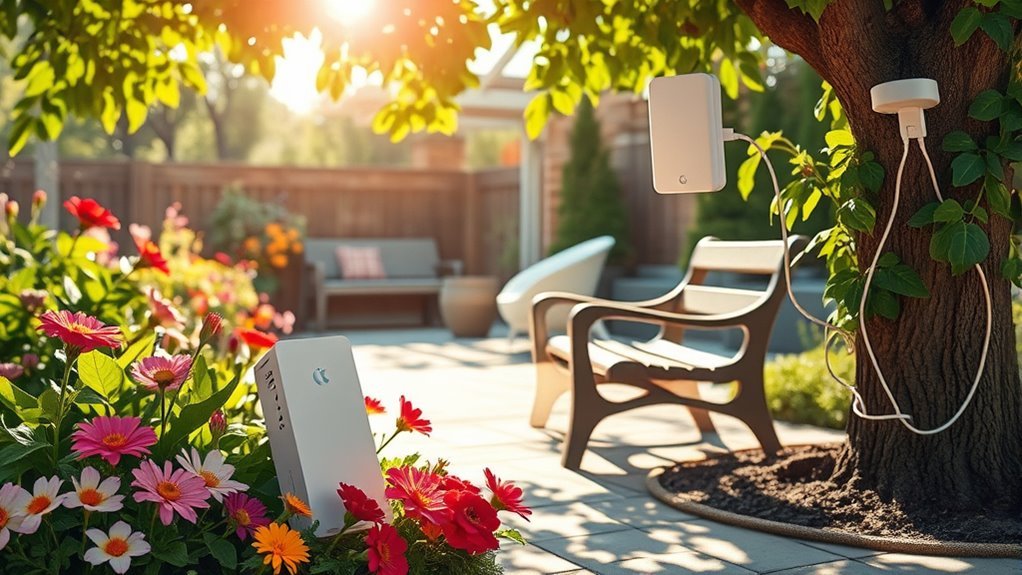
How do you decide which device best extends your WiFi into the garden? Start by considering your garden’s size and your budget. WiFi extenders are affordable and easy to set up, ideal for small gardens with moderate coverage needs.
However, they might reduce your network speed. Mesh systems work well if you want seamless coverage across a large area. They create a single network with multiple nodes, offering strong, consistent signals but come at a higher cost.
Access points connect directly to your router via Ethernet cable, providing reliable, high-speed WiFi outdoors. They’re perfect if you have existing wiring or can run cables.
Choose based on your garden’s layout, desired speed, and how much you want to spend to stay connected outside.
Install and Position Outdoor Garden WiFi Equipment for Best Coverage
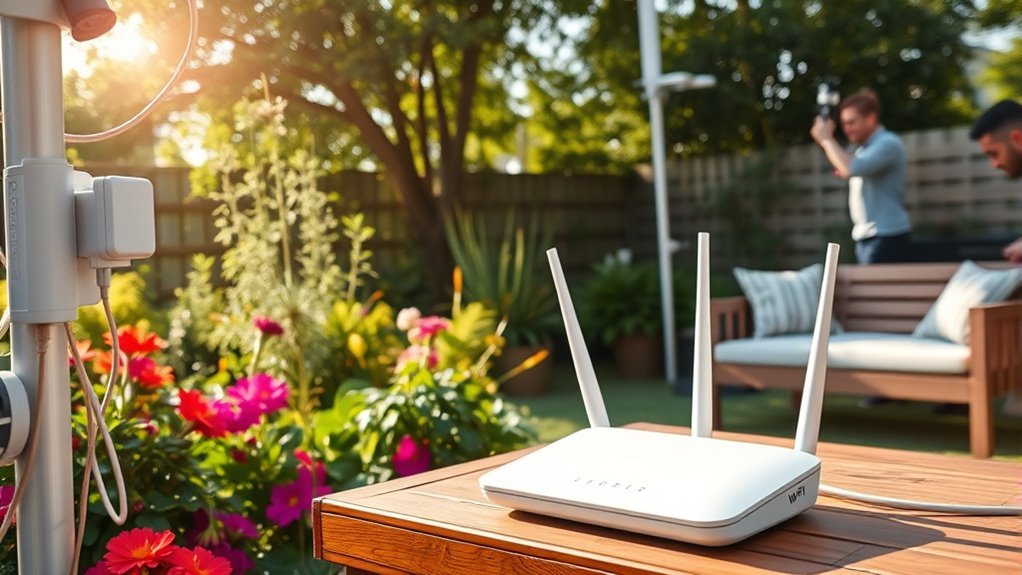
Once you’ve chosen your outdoor WiFi device, focus on installing and positioning it to maximize coverage. Mount the device high, like on a wall or pole, to avoid obstructions such as bushes or garden furniture. Make sure it’s weatherproof or placed in a protective enclosure to withstand rain and sun.
Point directional antennas toward the areas where you want the strongest signal. Keep it away from metal objects and thick walls, which can block WiFi signals.
If you’re using multiple devices, position them evenly to create seamless coverage without overlap.
Finally, run cables carefully to avoid damage and maintain a clean setup. Proper installation ensures your garden enjoys reliable WiFi, letting you work or relax outdoors without interruptions.
Optimize Your Garden WiFi Settings for a Stronger Signal
To boost your garden WiFi signal, you’ll want to fine-tune your router’s settings for peak performance. Start by selecting the least crowded WiFi channel to reduce interference—most routers let you scan nearby networks to find the best option.
Switch your router to 5 GHz if your devices support it; it offers faster speeds and less congestion, though with a shorter range.
Adjust the transmit power to its maximum setting to extend coverage.
Enable Quality of Service (QoS) to prioritize devices or activities important to you, like streaming or video calls.
Finally, keep your router’s firmware updated to ensure you have the latest performance improvements and security patches.
These tweaks help maintain a stronger, more reliable WiFi signal in your garden.
Troubleshoot Common Garden WiFi Problems Quickly
Fine-tuning your router settings can greatly improve your garden WiFi, but issues may still pop up. If your connection drops or speed slows, start by checking for interference from trees or structures blocking the signal.
Move closer to the router or adjust its position for better coverage.
Restart your router to clear temporary glitches. Make sure your firmware is up to date, as updates often fix bugs.
If you’re using extenders or mesh systems, verify they’re properly connected and positioned.
Test your network with different devices to rule out device-specific problems.
Finally, consider changing your WiFi channel to avoid congestion from neighboring networks.
Frequently Asked Questions
Can Weather Conditions Affect Outdoor Wifi Performance?
Yes, weather conditions can affect your outdoor WiFi performance. Rain, wind, and thick clouds can weaken signals, while extreme temperatures might damage equipment.
You’ll want to choose weather-resistant devices and position them carefully for the best connection.
Are There Health Risks Associated With Outdoor Wifi Signals?
Coincidentally, you don’t need to worry—outdoor WiFi signals are low power and pose no proven health risks.
You can enjoy your garden browsing safely, knowing the signals around you are well within safe limits.
What Power Sources Are Best for Garden Wifi Devices?
You’ll want to use solar panels for eco-friendly power or rechargeable batteries for flexibility. If possible, connect devices to nearby outdoor power outlets to guarantee consistent, reliable WiFi without worrying about frequent recharging or downtime.
How Do I Secure My Garden Wifi From Unauthorized Access?
You should change your WiFi password regularly, enable WPA3 encryption, and disable SSID broadcasting.
Also, set up a guest network for visitors and keep your router’s firmware updated to prevent unauthorized access effectively.
Can Plants or Garden Decorations Interfere With Wifi Signals?
Imagine your rose bushes blocking your WiFi, causing frustrating drops. Yes, dense plants and metal garden decorations can interfere with signals.
You’ll want to position your router carefully to avoid these natural and artificial obstructions.
Conclusion
Getting WiFi in your garden is like planting a seed—you need the right tools, placement, and care to help it grow strong. Start by evaluating your current signal to understand where coverage is weak or nonexistent. This will guide you in choosing the best equipment for your outdoor space.
Next, select the right devices, such as outdoor WiFi extenders or mesh systems, designed to withstand weather conditions. Position your equipment strategically to maximize coverage, avoiding obstacles like thick walls or dense foliage that can block the signal.
Don’t forget to optimize your router settings and secure your network for safe outdoor use. If you encounter any issues, troubleshooting steps can help resolve common connectivity problems.
With these steps, your garden will bloom with reliable WiFi, ensuring seamless outdoor connectivity. By following this guide, you’ll enjoy strong and consistent WiFi in your garden, making your outdoor time more connected and enjoyable.